Featuring six Adobe Lightroom presets, designed for maximum versatility, containing the exact settings I use to begin every edit. Reflecting years of refining my own personal style, these presets are designed to bring a subtle, natural, and film-like feel to your images.
Whether you're shooting street, travel, or everyday those moments, these presets are built to add character and deliver a natural colour baseline. Only modified adjustments are applied to streamline your post-processing workflow, allowing you more time to spend shooting.
Preset notes:
To provide a consistent starting point for your edits, all presets include auto exposure and a 5500K daylight white balance baseline. Adjustments can be made easily from these settings. To ensure maximum flexibility across different images, no grain or vignette effects have been applied.
Only modified adjustments are applied. These presets will not override previously made adjustments if the preset is not set to adjust them.
To install these in Lightroom Classic, select the develop tab, click the ‘+’ at the top of the Presets window, and select the preset zip file in the location you’ve saved it. To install these in Lightroom select file > Import Profiles & Presets, and select the preset zip file in the location you’ve saved it.
Additional help can be found here.
The download will be available once payment has been processed. If you have any questions, feel free to get in touch here.
Featuring six Adobe Lightroom presets, designed for maximum versatility, containing the exact settings I use to begin every edit. Reflecting years of refining my own personal style, these presets are designed to bring a subtle, natural, and film-like feel to your images.
Whether you're shooting street, travel, or everyday those moments, these presets are built to add character and deliver a natural colour baseline. Only modified adjustments are applied to streamline your post-processing workflow, allowing you more time to spend shooting.
Preset notes:
To provide a consistent starting point for your edits, all presets include auto exposure and a 5500K daylight white balance baseline. Adjustments can be made easily from these settings. To ensure maximum flexibility across different images, no grain or vignette effects have been applied.
Only modified adjustments are applied. These presets will not override previously made adjustments if the preset is not set to adjust them.
To install these in Lightroom Classic, select the develop tab, click the ‘+’ at the top of the Presets window, and select the preset zip file in the location you’ve saved it. To install these in Lightroom select file > Import Profiles & Presets, and select the preset zip file in the location you’ve saved it.
Additional help can be found here.
The download will be available once payment has been processed. If you have any questions, feel free to get in touch here.

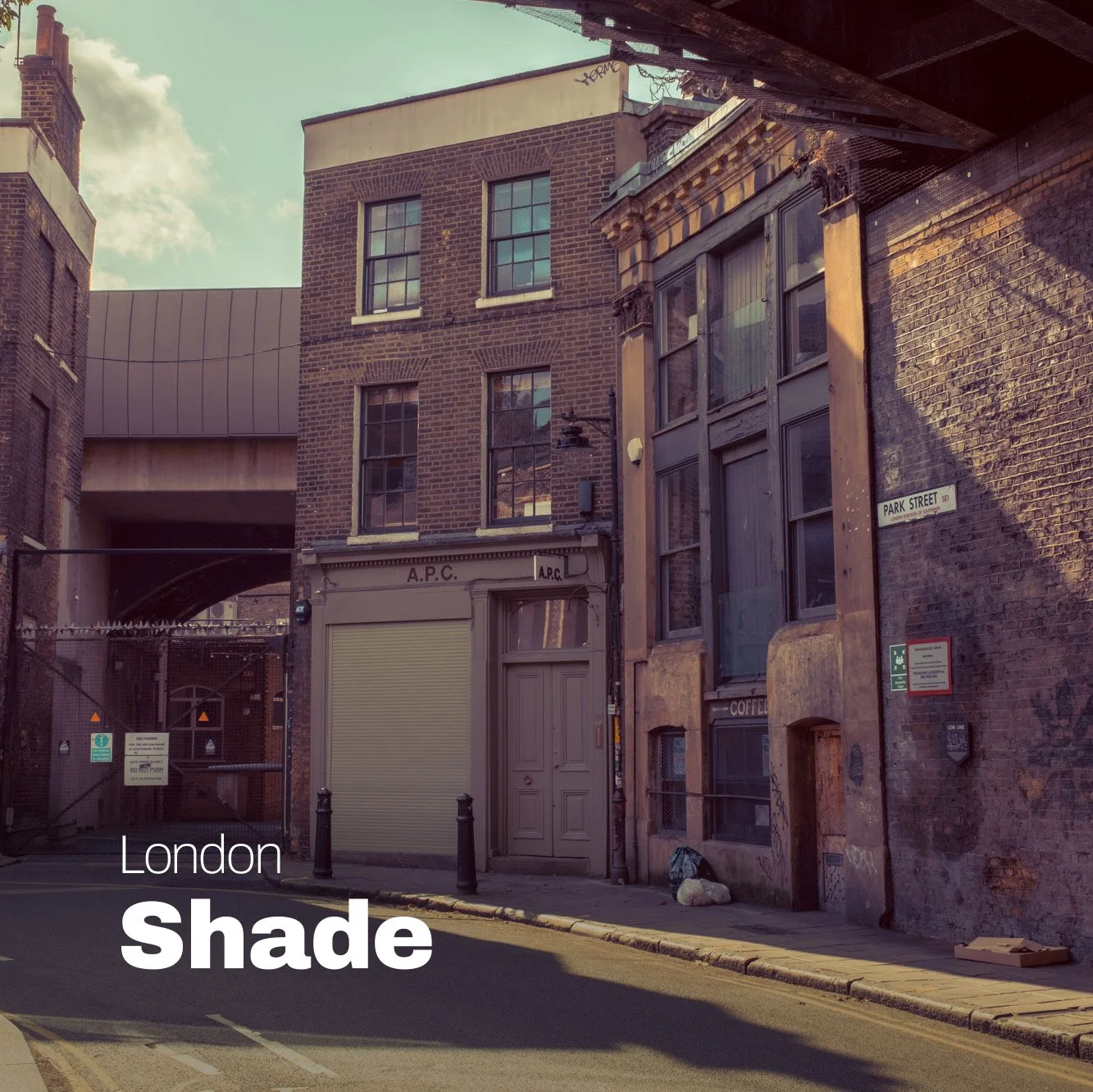 Image 1 of 6
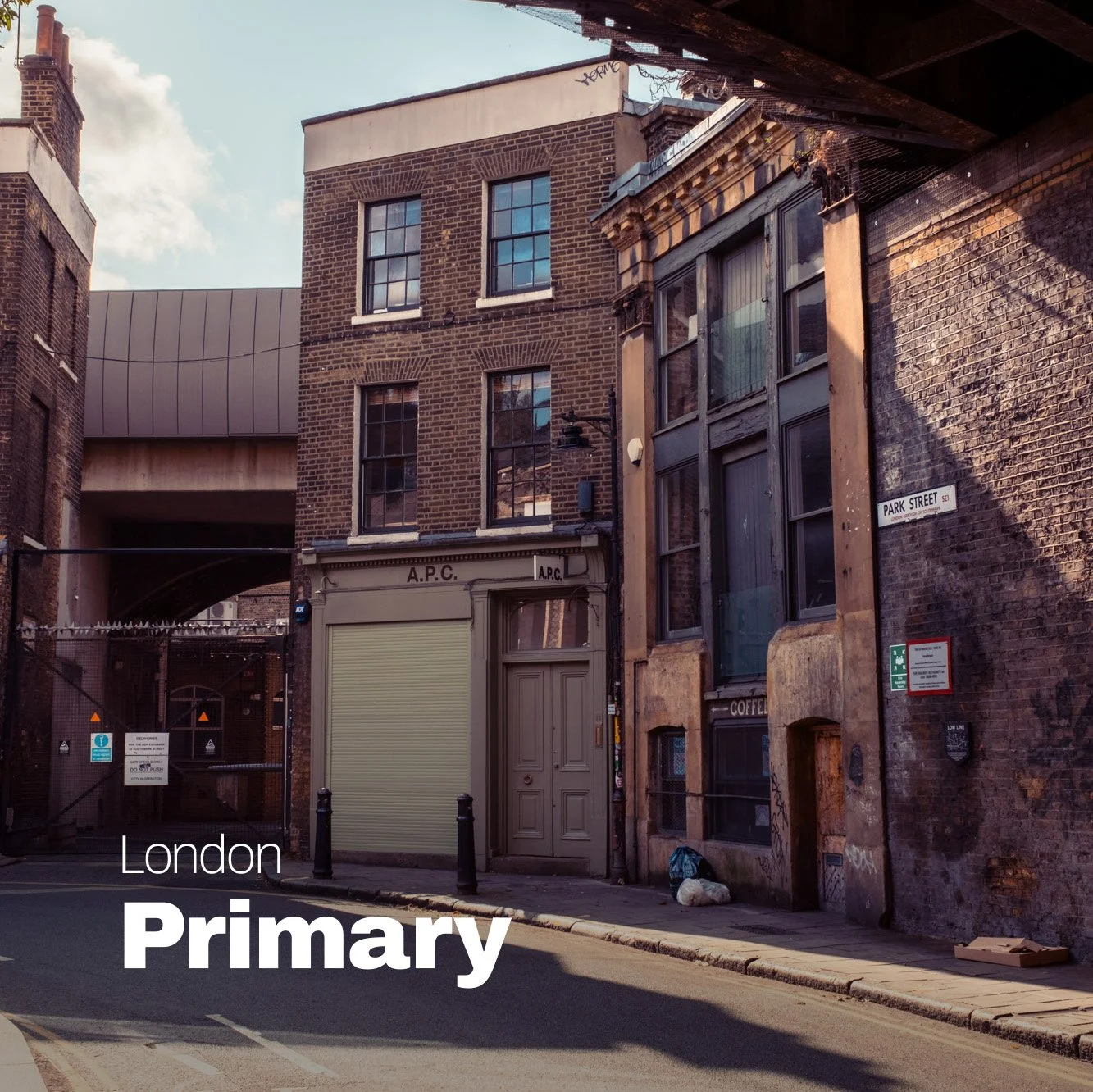 Image 2 of 6
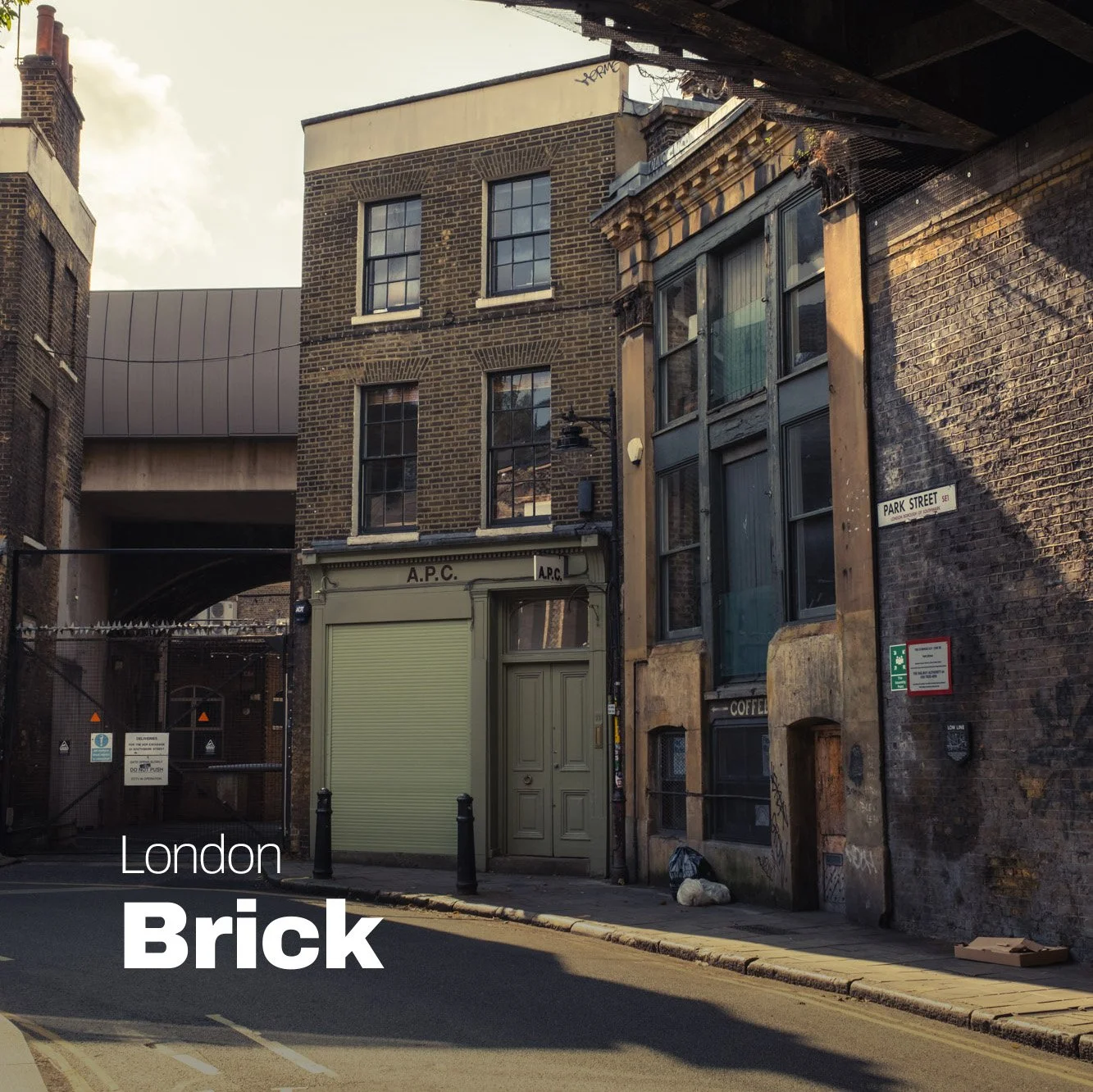 Image 3 of 6
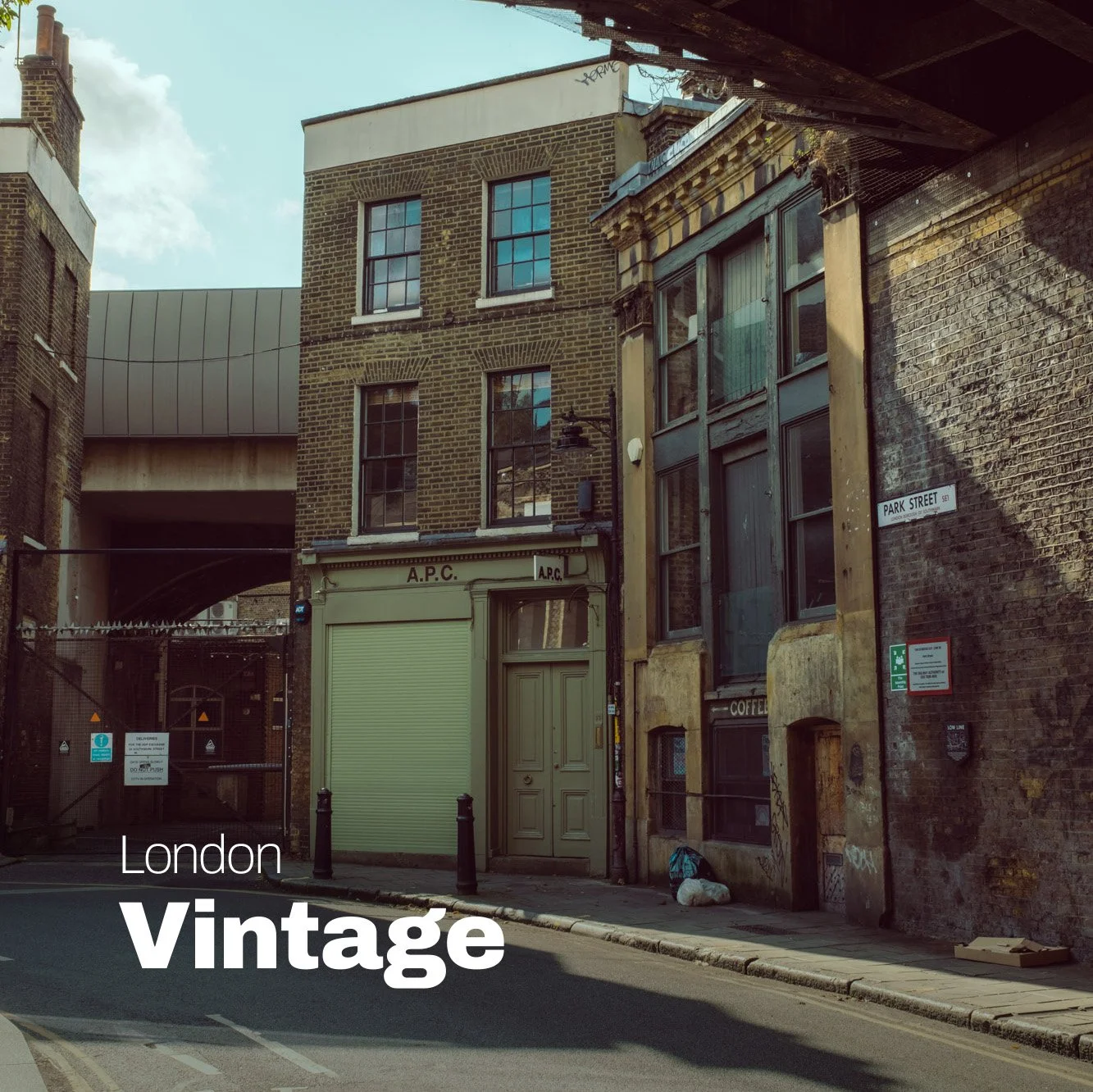 Image 4 of 6
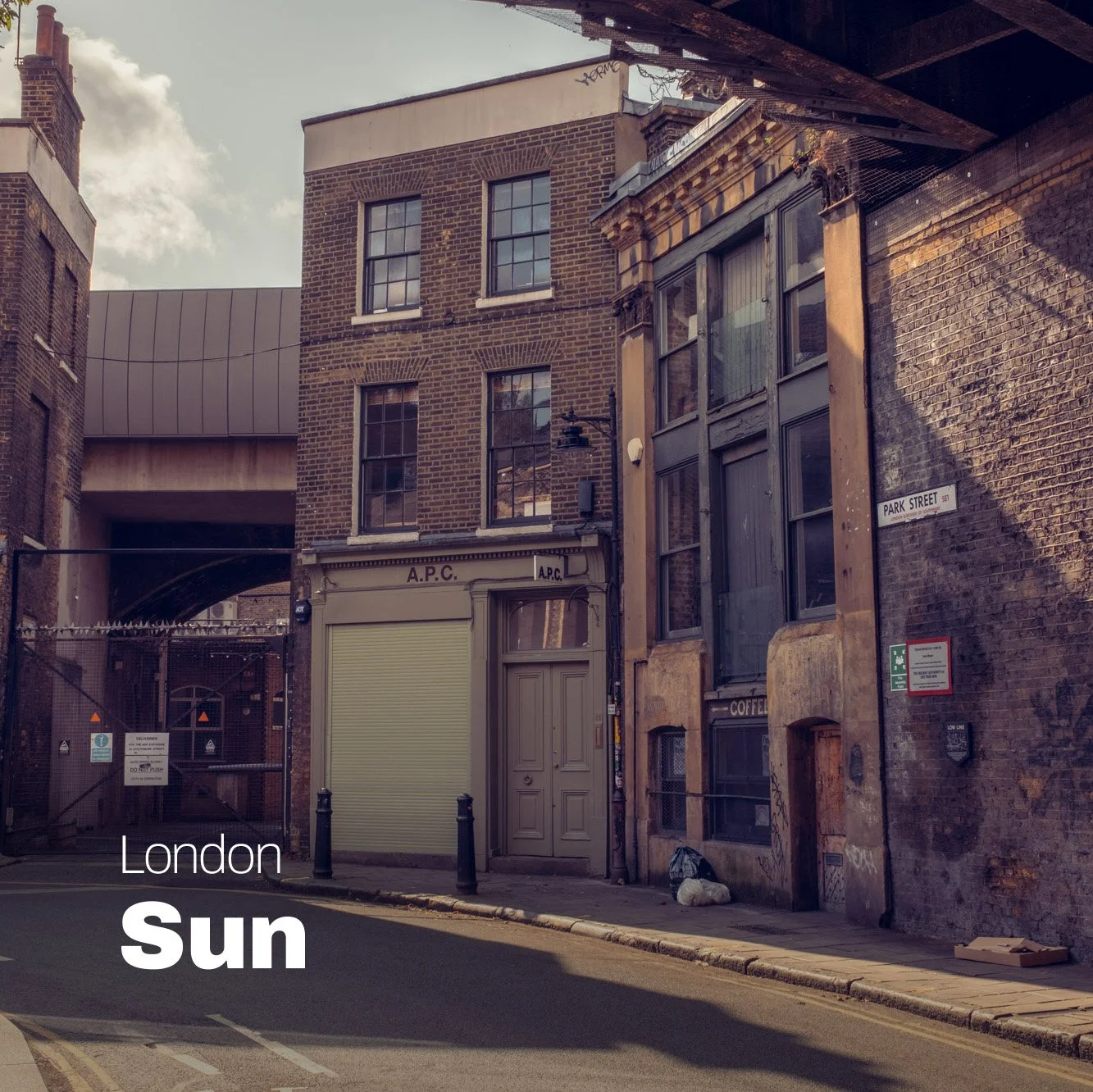 Image 5 of 6
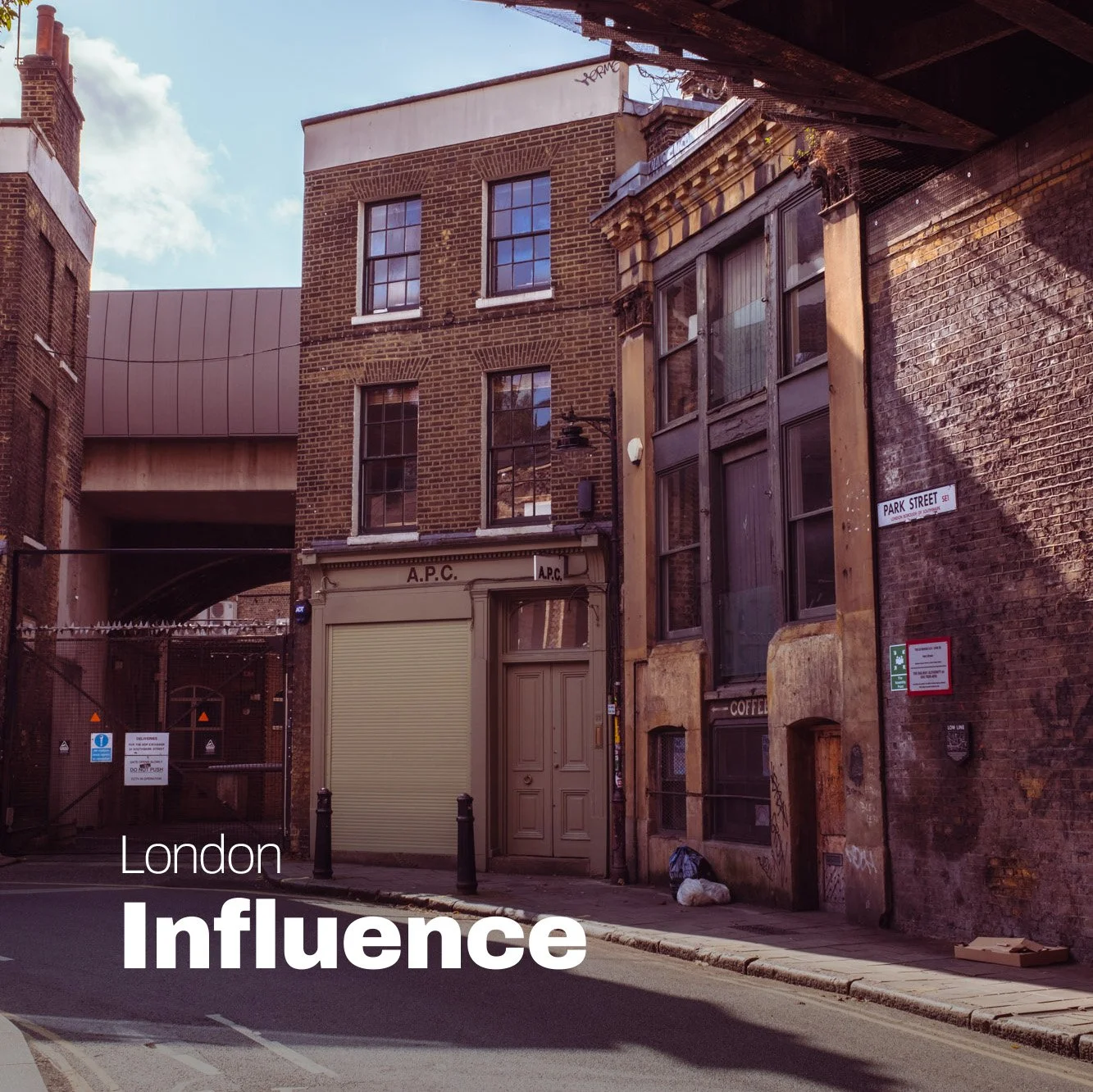 Image 6 of 6